

Table of Contents
1. Introduction
Presentations have come a long way from static PowerPoint slides. With the rise of artificial intelligence, creating professional, engaging, and visually appealing decks is now faster and more effortless than ever. Among the leading tools in this space are Gamma and Tome, two AI-powered platforms that promise to transform how we build and share ideas.
Both tools aim to simplify the process of turning raw concepts into polished presentations, but they take slightly different approaches. Gamma leans toward versatility offering interactive slides, documents, and even websites while Tome focuses on narrative-driven storytelling and creative visuals. The big question is: which one offers better value for your needs ?
In this blog, we’ll break down the strengths, limitations, pricing, and best use cases of Gamma vs Tome so you can make an informed choice before committing your time and budget.
2. Overview: Gamma vs Tome
2.1 Gamma
Gamma is an AI-powered presentation and document creation tool that helps users turn ideas into polished slides, documents, and even lightweight websites. Unlike traditional design-heavy software, Gamma focuses on speed and ease of use. With just a prompt, the AI can generate a complete presentation outline, fill in text, suggest visuals, and arrange slides in a professional layout. Visit Gamma
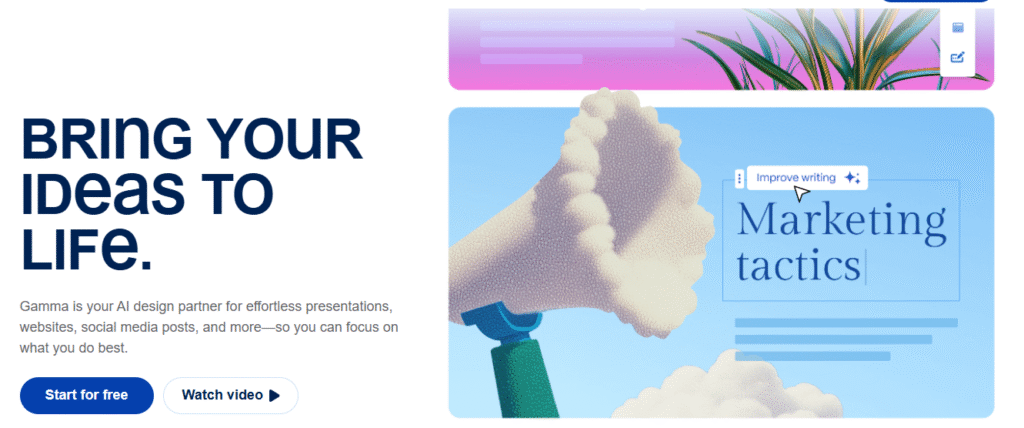
What sets Gamma apart is its interactive approach. Users can embed videos, charts, GIFs, and other media directly into their decks, making them more engaging than standard static slides. The platform also integrates with Unsplash for images and GIPHY for animations, ensuring your slides look modern without needing extra design skills.In terms of flexibility, Gamma allows exporting to PowerPoint, Google Slides, and PDF, making it compatible with widely used formats. It also offers live web links for sharing, so teams can collaborate and view presentations without bulky file transfers. With a generous free plan, plus affordable Pro tiers, Gamma appeals to professionals, educators, and businesses looking for a balance of AI automation, customization, and accessibility. Check it out
2.2 Tome
Tome, on the other hand, positions itself as a storytelling-first AI presentation tool. It goes beyond simple slides and leans into creating immersive, narrative-driven experiences. Whether you’re crafting a pitch deck, a visual one-pager, or a mood board, Tome is designed to help you communicate ideas through structured storytelling.The platform uses AI to generate outlines, refine tone, and even suggest references for your content. Its AI Editor lets you polish language, adjust phrasing, and enhance grammar, making it especially useful for creators who value strong narrative flow.
Visually, Tome emphasizes a futuristic, clean design aesthetic. It supports Unsplash for images and offers customizable templates, but it focuses less on data-heavy elements like charts or embeds. Instead, it shines when you need to inspire, persuade, or creatively showcase ideas.
Unlike Gamma, Tome is more web-first, with limited export options (PDF and slides available mainly on paid tiers). This makes it best suited for live storytelling, design presentations, or creative pitches rather than formal corporate decks. However, it stands out for its ability to weave text, visuals, and layout into a cohesive, compelling narrative. Visit Tome
3. Features Comparison: Gamma vs Tome
| Feature | Gamma | Tome |
|---|---|---|
| AI Content Generation | Generates full presentations, documents, or websites from prompts; interactive AI chatbot editing. | Generates outlines and slides from prompts; AI Editor for refining tone, grammar, and phrasing. |
| Visual Elements | Supports embedding videos, GIFs, charts, and interactive elements; integrates with Unsplash and GIPHY. | Strong focus on visuals and storytelling; integrates with Unsplash; limited chart/graph support. |
| Customization | One-click re-theming; customizable fonts and colors; brand kits available on Pro plans. | Custom themes and fonts (more flexible on Enterprise); fewer options on lower tiers. |
| Export Options | Exports to PowerPoint, Google Slides, and PDF; also shareable via live web link. | Primarily web-based; PDF and slide export available on Pro plan. |
| Collaboration | Real-time collaboration; share via links; feedback and version history supported. | Collaboration through shared web links; less emphasis on team editing compared to Gamma. |
| Free Plan | Free tier includes AI generation credits and basic customization. | Free plan available but without AI generation; limited to manual creation. |
| Paid Plans | Plus: ~$8/month, Pro: ~$18/month; Business pricing available. | Pro: ~$16/month; Enterprise pricing available. |
| Best Use Case | Professional decks, education, consulting, and multi-format outputs. | Creative pitches, storytelling, narrative-driven one-pagers, and design showcases. |
4. Pricing and Value: Gamma vs Tome
When comparing Gamma and Tome, pricing plays an important role in determining which tool offers better value for different users. Both platforms offer free and paid plans, but the benefits and limitations vary significantly.
4.1 Gamma Pricing
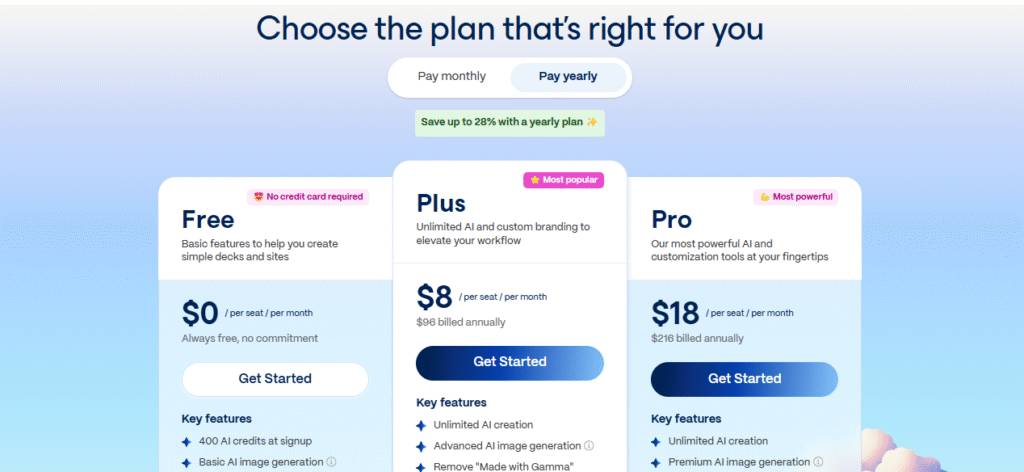
- Free Plan: Includes AI generation credits, basic templates, and export options (though exports may carry a watermark).
- Plus Plan: Around $8 per month, offers more AI credits, customization features, and higher export flexibility.
- Pro Plan: Around $18 per month, unlocks advanced branding tools, unlimited AI generations, and team collaboration features.
- Business/Enterprise: Custom pricing, with brand kits, analytics, and dedicated support. Check the pricing’s page
4.2 Tome Pricing
- Free Plan: Available, but limited that is AI generation is not included, meaning users can only manually create slides with basic features.
- Pro Plan: Around $16 per month, unlocks AI slide generation, PDF and slide export, advanced customization, and brand features.
- Enterprise: Custom pricing, including full brand control, collaboration tools, and security options for larger organizations.
5. Strengths and Limitations
5.1 Gamma
| Strengths | Limitations |
|---|---|
| Generates polished presentations, documents, and websites from simple prompts | Branding tools like brand kits are only available on higher plans |
| Supports interactive elements (videos, charts, GIFs, embeds) | Free plan exports may include watermarks |
| Exports to PowerPoint, Google Slides, and PDF | Less visually “storytelling-focused” compared to Tome |
| Generous free plan with AI credits included | |
| Affordable paid tiers starting at $6/month | |
| Real-time collaboration and shareable web links |
5.2 Tome
| Strengths | Limitations |
|---|---|
| Strong focus on storytelling and narrative-driven presentations | Free plan lacks AI generation, limiting usefulness |
| Clean, modern, visually appealing design templates | Limited export options (PDF and slides only, mainly on Pro plan) |
| AI Editor helps refine tone, grammar, and phrasing | Less support for data-heavy elements like charts and embeds |
| Great for creative teams, pitches, and design showcases | Higher cost compared to Gamma (Pro at $16/month) |
| Enterprise plan includes advanced customization and brand control |
6. Real-World Use Cases
AI presentation tools like Gamma and Tome shine in different scenarios depending on how they are applied. Understanding their strengths in real-world settings helps determine which tool fits your needs best.
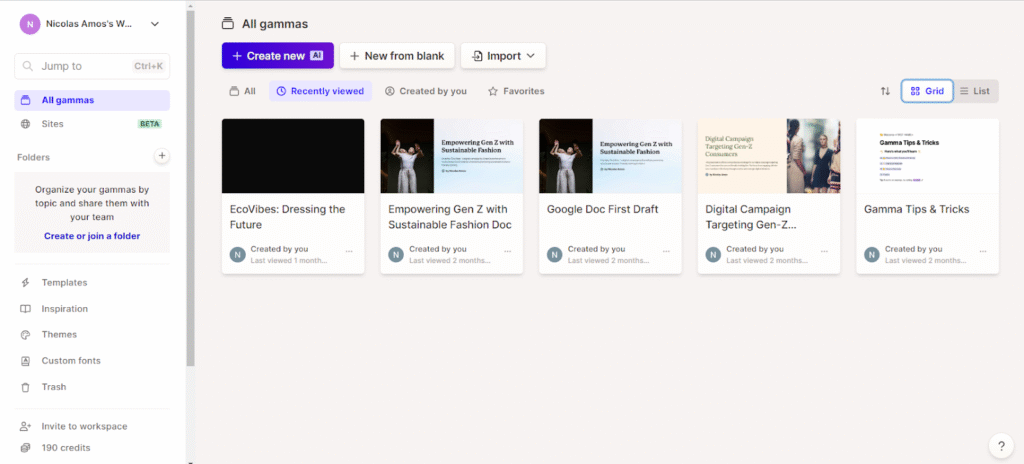
6.1 Gamma Use Cases
| Scenario | How Gamma Helps |
|---|---|
| Education & Training | Teachers and trainers can quickly generate lesson slides, interactive study guides, or course summaries. Exports to PowerPoint/Google Slides make it easy to share with students. |
| Business Consulting | Consultants can create polished decks with embedded charts, client data, and interactive visuals to present findings clearly. |
| Team Collaboration | Teams can co-edit decks in real time, leave feedback, and share web links for remote collaboration. |
| Corporate Reports | Gamma’s ability to generate documents and slide decks makes it ideal for annual reports, proposals, and performance reviews. |
| Startups & Pitches | Startups can rapidly build pitch decks with visuals and concise storytelling, saving time before investor meetings. |
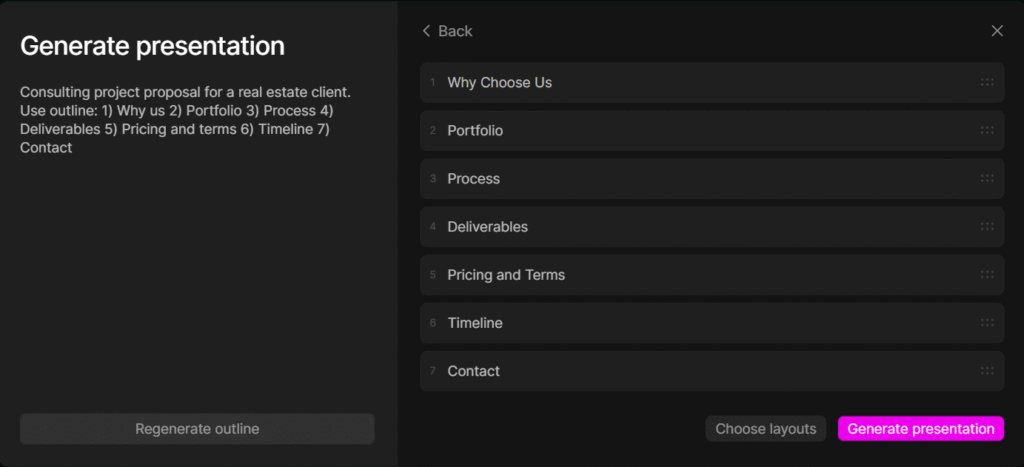
6.2 Tome Use Cases
| Scenario | How Tome Helps |
|---|---|
| Creative Pitches | Designers, marketers, and creatives can showcase campaign ideas or product concepts using visually immersive, storytelling-driven slides. |
| Investor Storytelling | Startups seeking to emotionally connect with investors can use Tome’s narrative flow to highlight vision and long-term strategy. |
| Brand Storytelling | Marketing teams can craft mood boards, product narratives, or launch stories with sleek, modern visuals. |
| Portfolio Showcases | Freelancers and agencies can display design work, case studies, or project outcomes in a visually appealing format. |
| Vision Presentations | Executives can use Tome to communicate company values, future goals, and inspirational strategies in a compelling way. |
7. Picking the Right Tool
Choosing between Gamma and Tome depends on your goals, audience, and budget. Both tools are powerful, but they serve different types of creators.
7.1 When to Choose Gamma
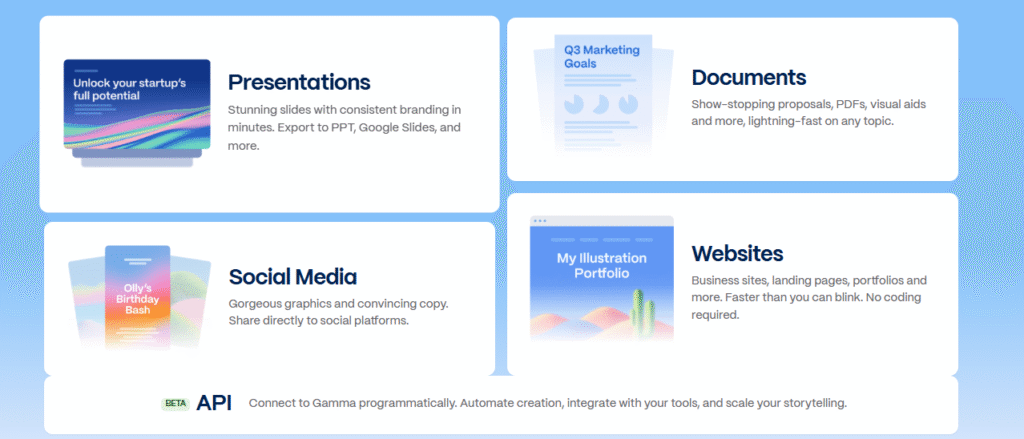
- You need versatile outputs (presentations, documents, or even websites).
- Export flexibility is important (PowerPoint, Google Slides, PDF).
- You’re working in education, business, or consulting where professionalism matters.
- Budget is a concern, Gamma’s free plan and affordable tiers provide strong value.
- Collaboration and feedback are essential for your team.
7.2 When to Choose Tome
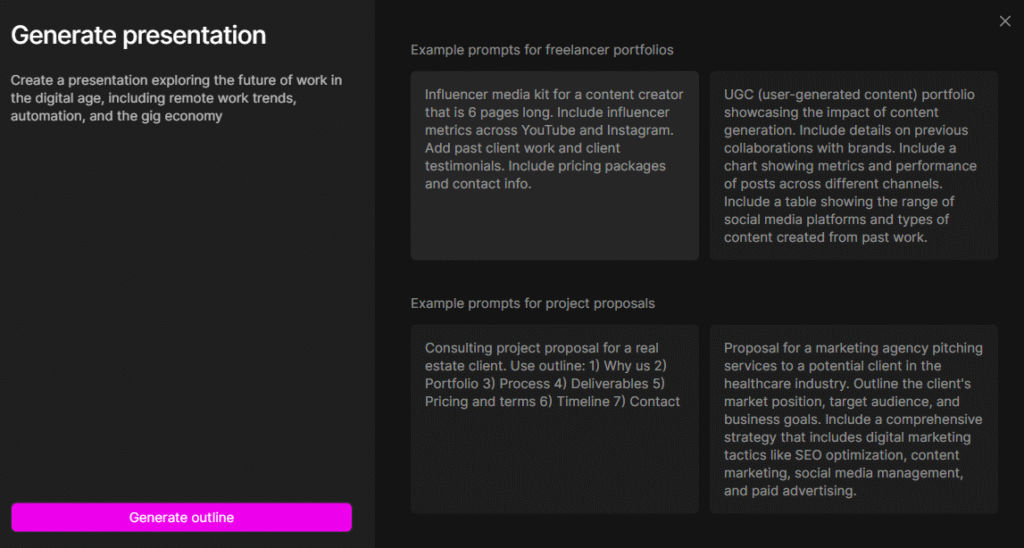
- Your focus is storytelling and visual impact rather than technical detail.
- You create pitches, mood boards, or creative narratives where design aesthetics matter most.
- You value immersive, narrative-driven experiences that inspire or persuade.
- Budget is less of a concern, and you’re fine with paying more for style and narrative flow.
- You’re in creative industries (marketing, design, startups raising funds).
8. Conclusion: Gamma vs Tome
In the showdown between Gamma vs Tome, the choice really depends on what you value most. Gamma is the more versatile option, offering affordable plans, strong export capabilities, and features that work well for businesses, educators, and professionals who need polished decks without spending much. On the other hand, Tome stands out for its storytelling-first approach and visually striking designs, making it a great choice for creatives, marketers, and startups who want to impress with narrative-driven presentations.
If your focus is practicality, budget, and collaboration, Gamma is the smarter pick. If you care more about visual impact, storytelling, and brand presentation, Tome will likely give you better results even at a higher cost.
Related Reads:
- Circle vs Skool: Which Is the Best Platform for Paid Communities? – A comparison of two leading community platforms to help creators build and monetize online communities effectively.
- Teachable vs Podia: Best Online Course Platform for Creators – An in-depth guide for creators deciding between two powerful platforms for publishing and selling online courses.
- Document360 vs HelpDocs: Best Knowledge Base for SaaS Teams – A breakdown of two leading knowledge base tools, showing how each helps SaaS teams streamline support and documentation.
- Refiner vs AskNicely Comparison: Niche Tools for SaaS Customer Feedback – An analysis of survey and NPS tools tailored for SaaS teams that want better feedback loops and customer insights.
- Dorik vs Carrd: Best Lightweight Landing Page Builder in 2025 – A side-by-side review of two simple yet powerful landing page builders, showing which one fits different types of creators.


Fantastic site A lot of helpful info here Im sending it to some buddies ans additionally sharing in delicious And naturally thanks on your sweat
Your writing is like a breath of fresh air in the often stale world of online content. Your unique perspective and engaging style set you apart from the crowd. Thank you for sharing your talents with us.
Your blog is a testament to your dedication to your craft. Your commitment to excellence is evident in every aspect of your writing. Thank you for being such a positive influence in the online community.
Your blog is a testament to your expertise and dedication to your craft. I’m constantly impressed by the depth of your knowledge and the clarity of your explanations. Keep up the amazing work!
Your articles never fail to captivate me. Each one is a testament to your expertise and dedication to your craft. Thank you for sharing your wisdom with the world.
Hi i think that i saw you visited my web site thus i came to Return the favore Im attempting to find things to enhance my siteI suppose its ok to use a few of your ideas
Your blog is a beacon of light in the often murky waters of online content. Your thoughtful analysis and insightful commentary never fail to leave a lasting impression. Keep up the amazing work!
Your blog is a testament to your expertise and dedication to your craft. I’m constantly impressed by the depth of your knowledge and the clarity of your explanations. Keep up the amazing work!
I loved as much as youll receive carried out right here The sketch is attractive your authored material stylish nonetheless you command get bought an nervousness over that you wish be delivering the following unwell unquestionably come more formerly again as exactly the same nearly a lot often inside case you shield this hike
Pingback: Descript vs OpusClip: Best AI Video Editing Tools Compared - Platform Adviser
Pingback: Paradigm: AI Spreadsheet Automation to Boost Productivity - Platform Adviser